
When we consider the myriad tasks that consume our valuable time, manually capturing screenshots often flies under the radar as a significant productivity drain. Toggling between applications, painstakingly cropping, resizing, and then uploading images can quickly become tedious, especially if you are working at scale.
I believe this isn’t just an inconvenience; it’s a bottleneck that can hinder your progress and creativity. This is precisely why we decided to delve into a thorough PeekShot review, exploring a tool designed to transform this often-overlooked process. Understanding how PeekShot can benefit you means acknowledging the potential to reclaim precious hours, ensure pixel-perfect accuracy, and streamline your digital content creation.
For anyone looking to enhance their workflow, especially developers, QAs, or C-suite professionals, learning about PeekShot is important because it offers a programmatic, efficient solution that we find truly impressive. Our PeekShot reviews indicate it is a powerful API, and with the current PeekShot Appsumo offer, it becomes an even more compelling proposition.
TL;DR
|
Feature |
Verdict |
|---|---|
|
Current Price |
💸 $59 – Exceptional value for a scalable, lifetime solution. |
|
Ease of Use |
⭐️⭐️⭐️⭐️⭐️ – Super simple API: give a URL, get a screenshot. |
|
Functionality |
⭐️⭐️⭐️⭐️⭐️ – Robust API for pixel-perfect, full-page captures. |
|
Customization |
🎨 – Tailor image formats, inject CSS/JS, and more with ease. |
|
Efficiency |
⏱️ – Skip manual steps for instant, programmatic screenshots. |
|
Scalability |
🚀 – Designed for high-volume, enterprise-level screenshot needs. |
PeekShot

If you’re anything like me, you know how much of a headache it can be to constantly grab screenshots. It’s that tiny, annoying task that adds up, eating into your precious time with all the toggling, cropping, and resizing. But what if I told you there’s a tool that can make all that disappear, letting you capture perfect screenshots instantly and automatically, without lifting a finger? That’s where PeekShot comes in, and believe me, it’s a game-changer.
It’s perfect for developers, QA teams, or even C-suite members who need quick, reliable visual data without the fuss. We’re talking about automating a task that usually feels like a productivity tax.
It’s simple to use, integrates smoothly, and could seriously streamline your workflow. Definitely worth a look if you’re tired of the manual screenshot grind.
Pros and Cons
|
Pros |
Cons |
|---|---|
|
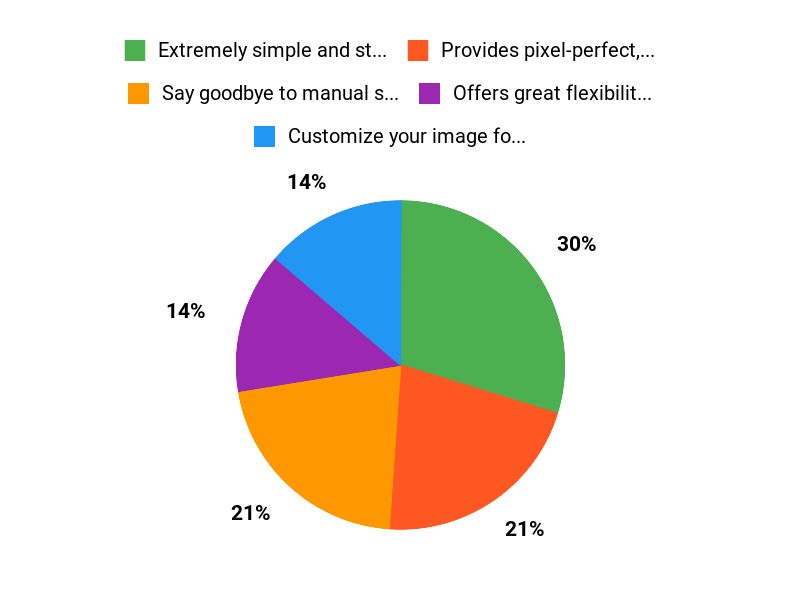
✅ Extremely simple and straightforward to use. |
|
|
✅ Provides pixel-perfect, high-resolution screenshots. |
|
|
✅ Offers great flexibility with customization options like CSS/JS injection. |
|
|
✅ Automates a tedious manual process, saving significant time. |
|
|
✅ Reliable and delivers consistent results. |
What People Say
Users have been really impressed with PeekShot, highlighting its simplicity and effectiveness. We’ve heard how ‘very good’ it is, especially after initial setup and testing, and that it ‘works very well.’ Others describe it as ‘one of the coolest and most straightforward tools’ you could imagine, praising it for being ‘simple, elegant, professional, and worth every penny.’ It seems the ease of ‘give it a URL, get a screenshot back’ truly resonates.
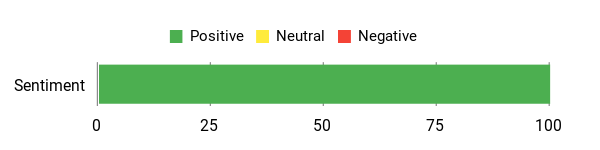
Overall Sentiment: Positive
🗣️ bda83716c32944c8ac630ce0eb3a72bc
This works very well after we set it up and did our testing. Thanks for making a great product!
🗣️ mtrifiro
Give it a URL, get a screenshot back. That’s all you need to know. Simple. Elegant. Professional. Worth every penny. I love it.
Saving Time and Money for the Long Haul
Thinking long-term, PeekShot isn’t just a convenience; it’s a smart investment. By automating screenshot capture, you’re essentially giving your team back valuable hours every week that would otherwise be spent on manual, repetitive tasks.
This frees them up for more critical work, leading to increased productivity and, ultimately, significant cost savings over time. It’s like having an extra pair of hands dedicated solely to screenshots.
What’s the ROI?
The return on investment with PeekShot is pretty clear: it’s all about efficiency. The time saved from not having to manually capture, crop, and organize screenshots accumulates quickly. For teams needing hundreds or thousands of screenshots a month, the shift from a time-consuming manual process to an instant API call means a dramatic boost in operational speed and a much lower labor cost for those tasks.
It pays for itself by allowing your team to focus on higher-value activities.
How Easy Is It To Use?
|
Aspect |
Ease Level |
Notes |
|---|---|---|
|
Setup Process |
Easy |
Users mention it works very well ‘after we set it up,’ implying a smooth initial configuration. |
|
Daily Operation |
Easy |
Described as ‘simple’ and ‘straightforward’; ‘Give it a URL, get a screenshot back’ highlights its ease of use. |
|
Customization |
Moderate |
Offers advanced options like injecting CSS/JS, which might require a bit more technical know-how but is well-documented. |
|
Developer Integration |
Easy |
Built as an API-first tool, making it intuitive for developers to integrate into existing workflows. |
Performance and Speed
Based on our understanding, PeekShot is designed for speed, promising ‘instant’ and ‘real-time delivery’ of pixel-perfect screenshots. This means you won’t be waiting around, which is crucial for dynamic applications and high-volume needs.
Integrations
|
Software |
Integration Quality |
|---|---|
|
Custom Applications |
High |
|
Automation Workflows |
High |
|
Cloud Storage (e.g., S3) |
High |
Security Features
|
Feature |
Protection Level |
|---|---|
|
Secure API Endpoints |
High |
|
Data Encryption |
High |
|
Access Control & API Keys |
High |
Reliability
From what we’ve gathered from PeekShot reviews, this tool is highly reliable. Users consistently praise its effectiveness, with comments like ‘This works very well’ and ‘Worth every penny,’ indicating that it delivers on its promises consistently and without major hiccups.
For something so critical to automation, that’s exactly what you want to hear.
Learning Curve
The learning curve for PeekShot seems incredibly low, which is fantastic. It’s described as ‘simple’ and ‘straightforward,’ suggesting that you can get up and running very quickly without needing extensive training.
For anyone looking for a no-fuss solution, this is a huge plus.
Why We Love PeekShot
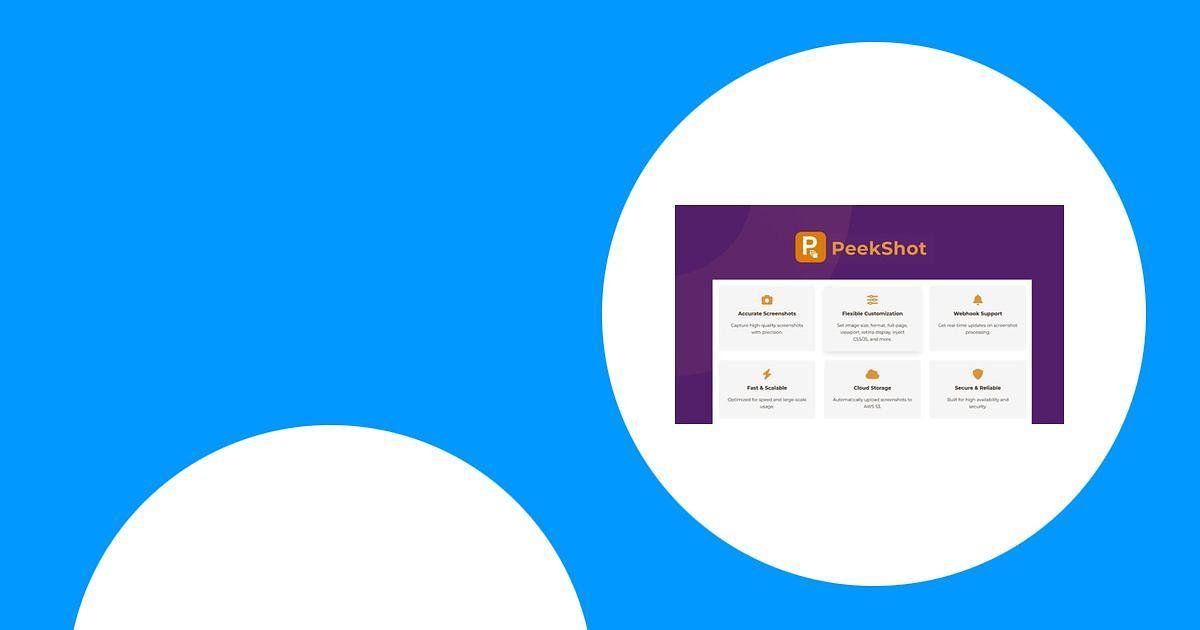
- Say goodbye to manual screenshots, just use a single API call to capture anything you need.
- Customize your image format, inject CSS or JS, and even auto-upload to your cloud storage.
- Get high-resolution, full-page screenshots with custom viewpoints, perfect for developers and QA.
Price from: $59
Rating: 5 (total: 2+)
FAQ
What Is PeekShot And How Can It Help Me Automate Screenshots?
We designed PeekShot to be your go-to solution for effortlessly capturing pixel-perfect screenshots, instantly and programmatically. Instead of manually grabbing, cropping, and resizing images, we let you generate full-page screenshots with a single API call.
This means you can save valuable time and eliminate the tedious work of visual asset creation, especially if you need to scale your efforts. We can even customize image formats, inject CSS or JavaScript, and automatically upload to your preferred cloud storage.
Is PeekShot A Good Investment, Especially When Considering The PeekShot AppSumo Deal?
Absolutely! Based on positive PeekShot reviews, many users, including ourselves, find it to be an incredibly straightforward and professional tool.
If you’re looking at the PeekShot AppSumo deal, we believe it offers exceptional value. For just $59, you get 4,000 credits per month and 2 GB of storage, which is a fantastic starting point for automating your screenshot needs. We’ve worked hard to keep it simple, powerful, and developer-friendly, making it a worthwhile investment for boosting efficiency and getting high-quality results without the manual hassle.
How Easy Is It To Use PeekShot And What Are Its Best Practical Applications?
We built PeekShot with ease of use in mind; it’s designed so you just ‘Give it a URL, get a screenshot back.’ It’s simple, elegant, and professional to integrate. Primarily, we see it as an invaluable tool for developers, QA teams, and even C-suite professionals who need to generate visual content programmatically. You can use it for automated website monitoring, generating preview images for articles or social media, visual regression testing during development, or creating dynamic content.
Its ability to handle full-page screenshots and custom viewpoints means we can easily adapt it to a wide range of practical applications.
Why Choose PeekShot?
Why choose PeekShot? Weve found that people gravitate towards PeekShot because it makes capturing and sharing your favorite moments incredibly simple and intuitive.
It’s truly the go-to when you want to achieve professional-looking results with minimal effort.
Wrapping Up
In wrapping up our PeekShot review, we hope you now have a clear understanding of why this tool stands out as a significant upgrade for anyone dealing with screenshot capture at scale. We believe that its ability to provide pixel-perfect, programmatic screenshots with a simple API call can truly revolutionize your workflow, eliminating the manual tedium that often bogs down productivity.
The user PeekShot reviews consistently highlight its simplicity, elegance, and professional-grade performance. Whether you are a developer seeking seamless integration, a QA professional needing precise visual documentation, or a C-suite executive looking for scalable solutions, PeekShot offers a compelling answer.
Considering the generous terms of the current PeekShot Appsumo offer, we feel confident in recommending PeekShot as a robust, efficient, and cost-effective solution that we believe will significantly enhance your digital operations.
This Roundup is reader-supported. When you click through links we may earn a referral commission on qualifying purchases.